
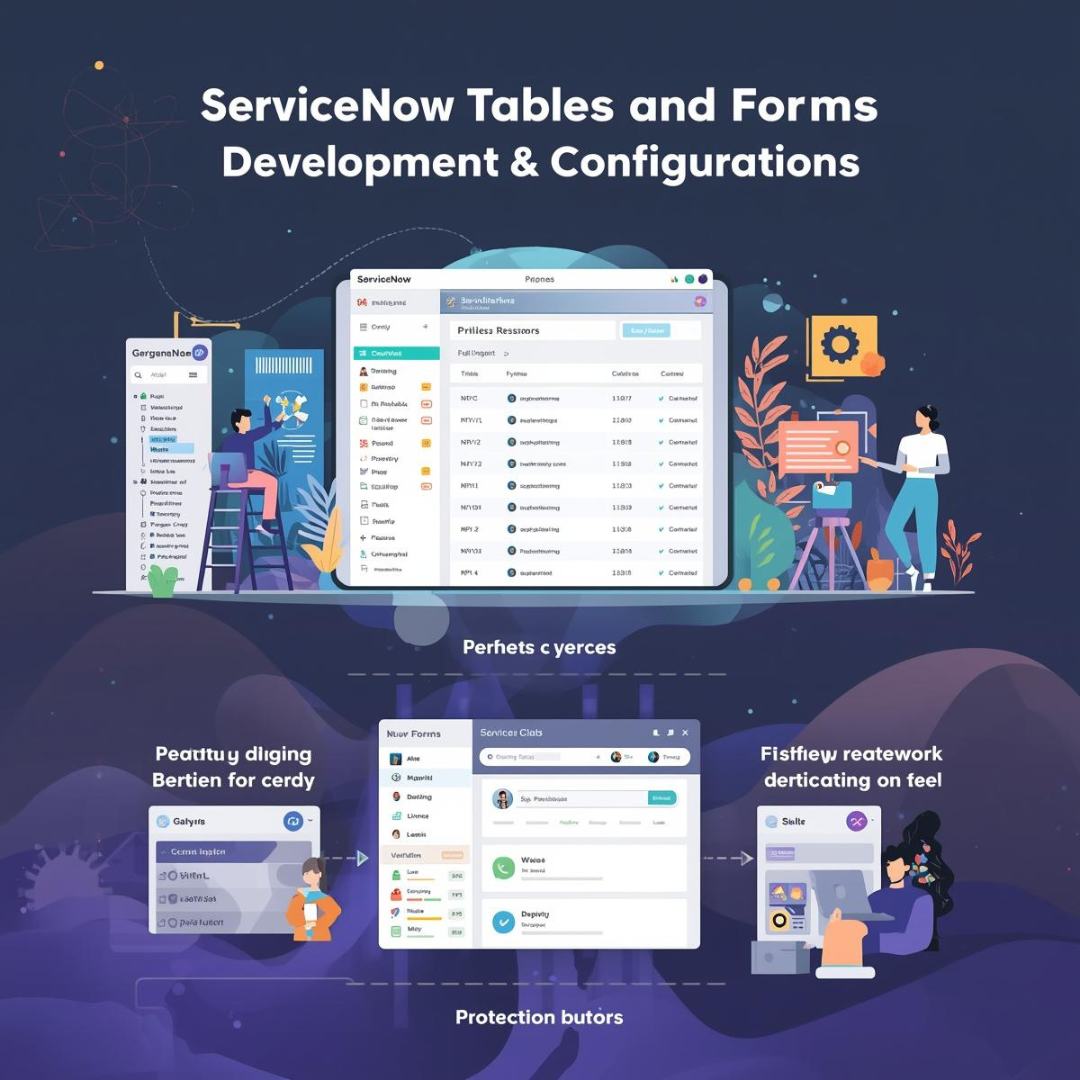
ServiceNow Tables and Forms Development & configurations (US$ 15) / hour
Description
ServiceNow Tables and Forms Development & configurations
In ServiceNow, Tables are the database foundation where all records (like Incidents or Users) are stored, while Forms are the user interface (UI) used to interact with those records.
1. Table Development & Configuration
Everything in ServiceNow is a table. When you develop a table, you are defining the data schema for your application.
Table Types
- Base Tables: Standalone tables that do not inherit from any other (e.g.,
taskorcmdb_ci). - Extended Tables: Tables that inherit fields and logic from a parent. For example,
incidentextendstask. This is a best practice to reuse common fields like “Short Description” or “State.” - Custom Tables: Tables created by developers (prefixed with
u_in Global scope orx_in Scoped apps).
Key Configurations
- Dictionary Entries: Every column in a table is a dictionary entry. Here you define the Field Type (String, Reference, Choice, etc.), Max Length, and Default Values.
- Reference Fields: These create relationships between tables. A “Caller” field on an incident is a reference to the
sys_usertable. - Extensibility: You can mark a table as Extensible so other developers can build on top of it.
2. Form Development & Design
Forms are the visual representation of a single record. ServiceNow provides three primary tools to build them:
| Tool | Best Use Case | Key Features |
| Form Layout | Quick, legacy edits. | Simple “slushbucket” to add/remove fields; handles “dot-walking” (pulling fields from related records). |
| Form Designer | Visual structural design. | Drag-and-drop interface, easy creation of sections (tabs), and multi-column layouts. |
| Form Builder | Modern, all-in-one tool. | The newest interface (standard in Xanadu/Washington versions) that unifies layout, field properties, and basic logic. |
3. Adding Logic to Forms (Form Behavior)
To make forms “smart” (e.g., hiding a field until a checkbox is clicked), you use two main client-side tools:
- UI Policies (No-Code): The preferred way to set fields to Mandatory, Read-only, or Visible based on conditions. They are easy to maintain and execute after scripts.
- Client Scripts (Pro-Code): Used for complex logic that UI Policies can’t handle, such as displaying alerts, validating input formatting via Regex, or changing values dynamically using
g_form. - Types:
onLoad,onChange,onSubmit, andonCellEdit.
4. Development Best Practices
- Inherit from Task: If your table involves work (assignments, states, SLAs), always extend the
tasktable to save development time. - UI Policy Over Client Script: Always use a UI Policy if possible. It is more performant and easier for other admins to debug.
- Avoid Duplicate Fields: Do not place the same field in multiple sections of a form. This causes “rendering conflicts” where the system doesn’t know which value to save.
- Field Lengths: Be intentional with string lengths (e.g., 40, 100, 4000). Changing length later can be difficult depending on the database backend.
Would you like to see a comparison of when to use a Business Rule (server-side) versus a Client Script (client-side)?
ServiceNow Form Design vs. Form Layout
This video provides a visual walkthrough of the different form-building tools available to help you choose the right one for your configuration needs.
Product Reviews